Overdrive
A downloadable game for Windows
🚀 OVERDRIVE – Action-Packed Top-Down Survival!
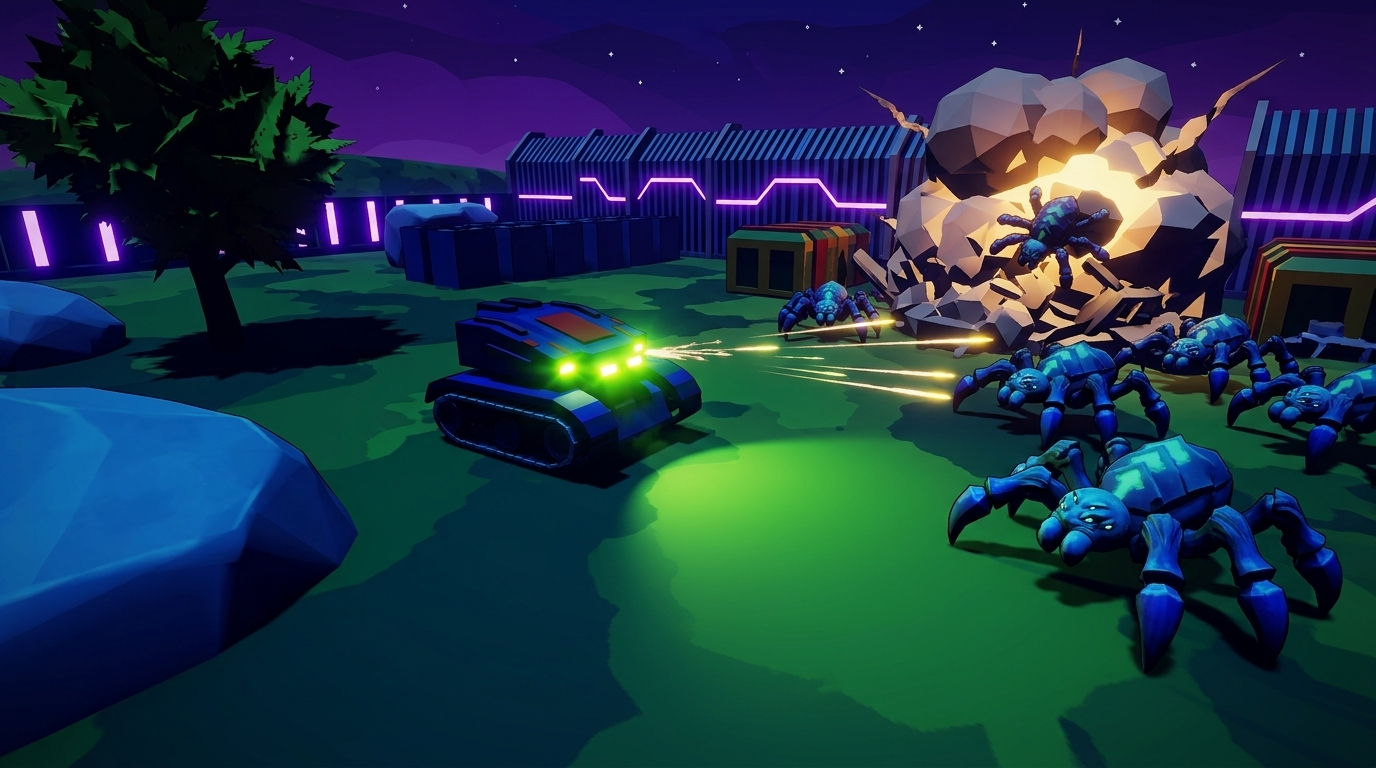
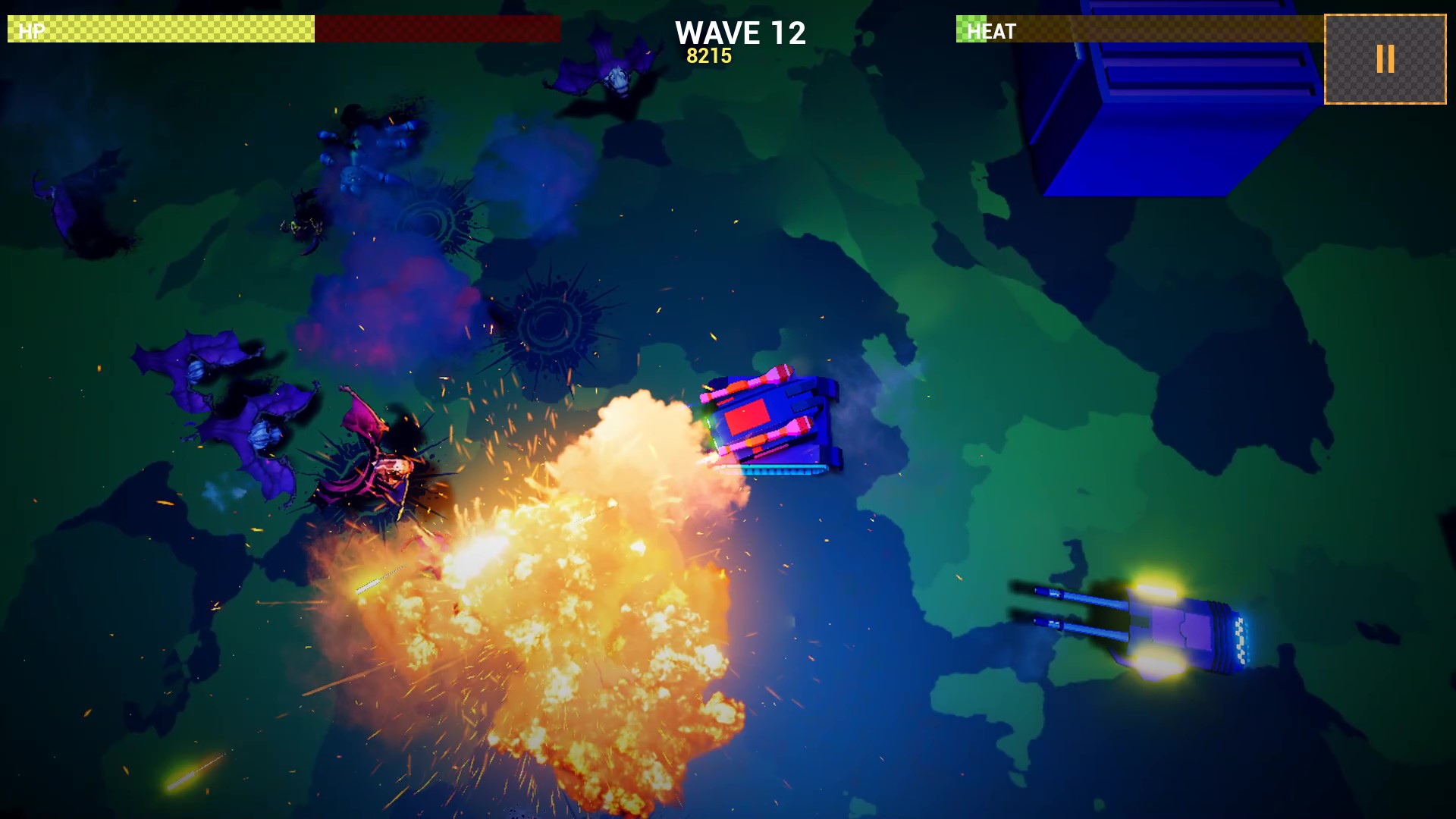
Welcome to OVERDRIVE, an intense top-down action game where speed, strategy, and firepower are your best allies! Take control of high-tech war machines, deploy automated defense turrets, and defend humanity against relentless alien swarms.
Whether you're looking for quick arcade action or testing your tactical upgrades, OVERDRIVE delivers explosive combat, dynamic visuals, and high-octane gameplay!
🔥 Key Features:
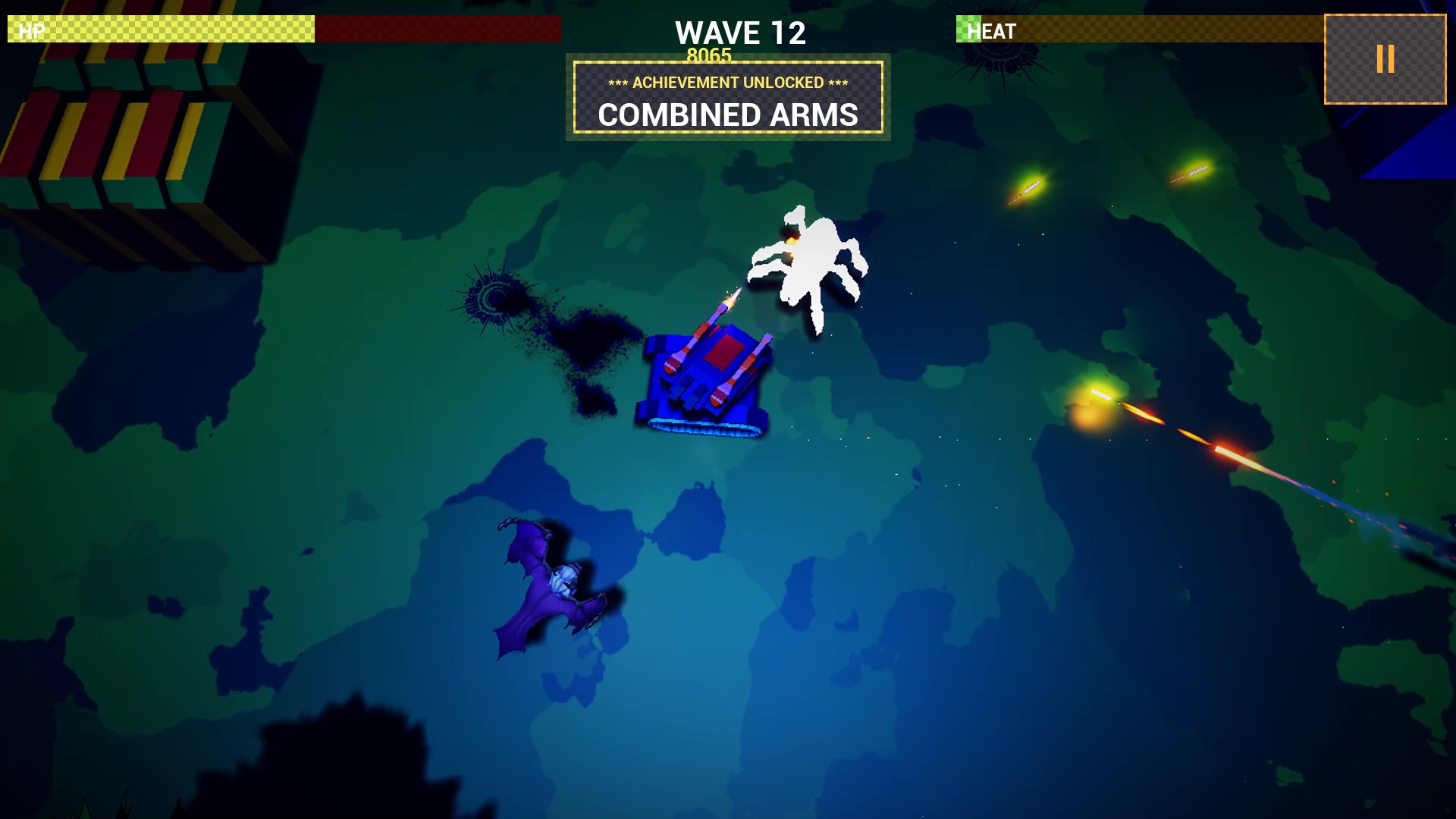
- Fast-Paced Combat: Battle through wave after wave of hostile creatures with smooth, responsive controls.
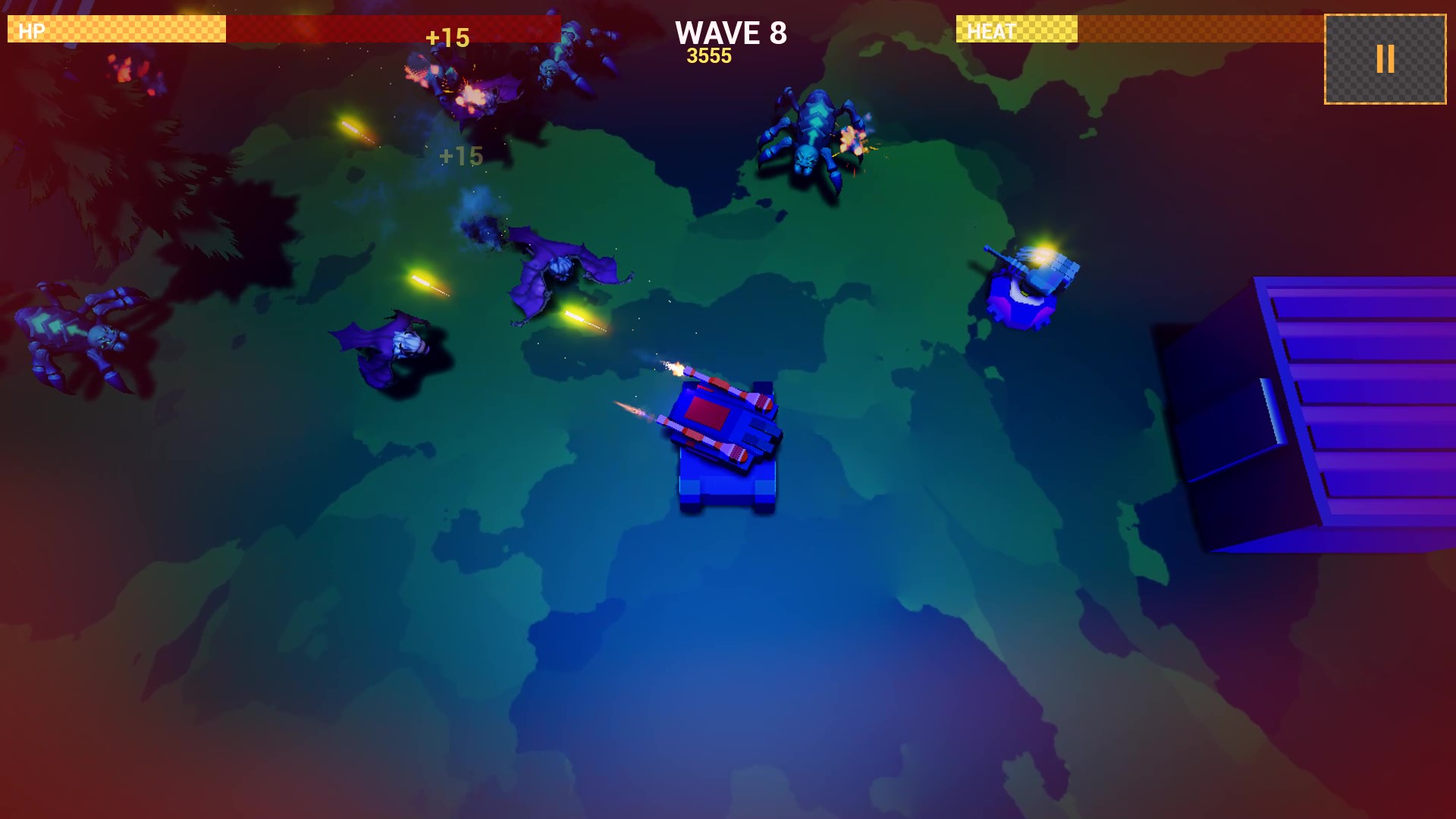
- Tactical Upgrades & Drones: Unlock devastating weapon abilities, deploy combat support drones, and place heavy artillery turrets to fortify your positions.
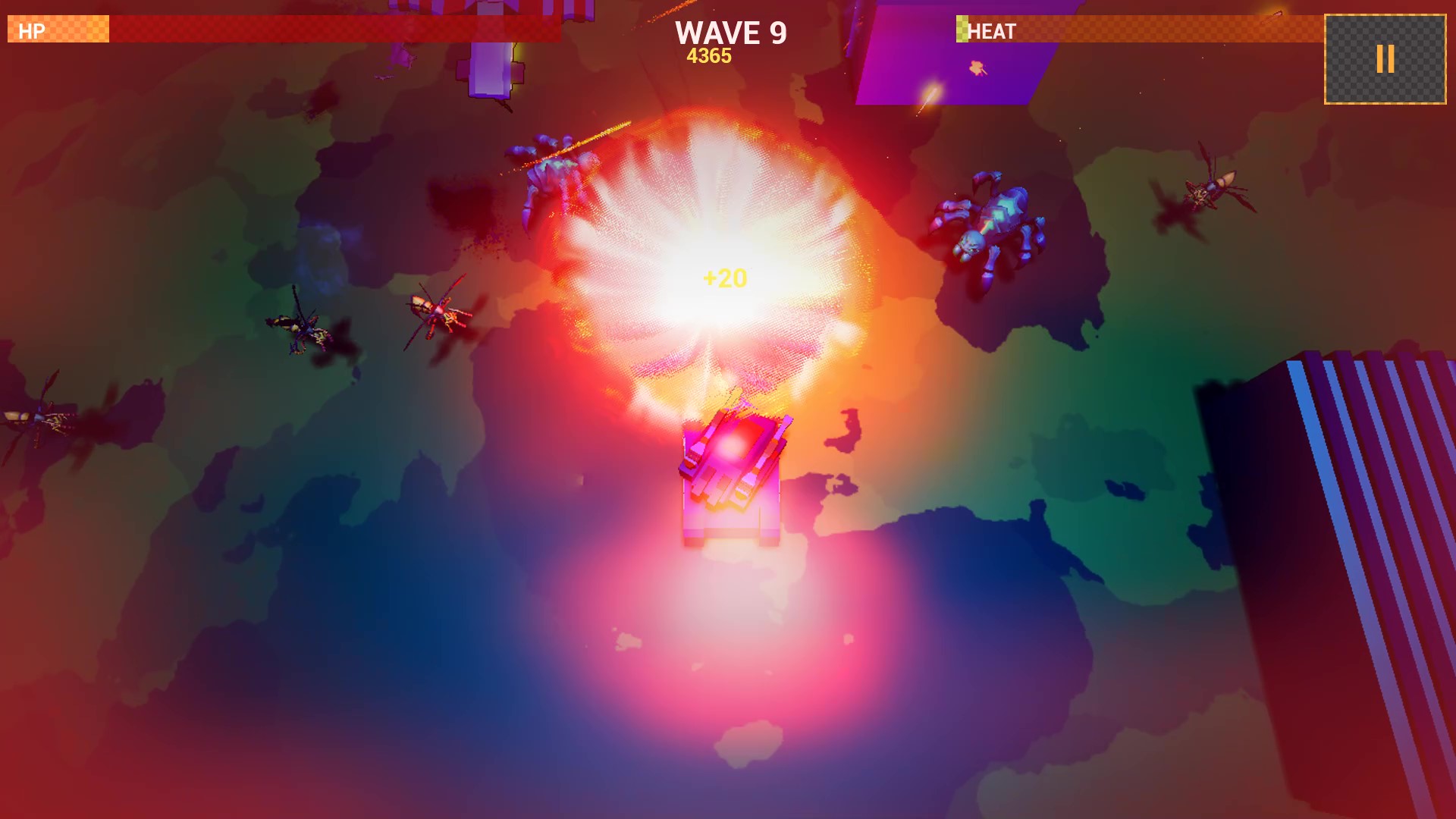
- Stunning Sci-Fi Visuals & Audio: Crisp low-poly graphics featuring dynamic lighting, particle explosions, and a synth soundtrack.
- Play Anywhere: Optimized for both PC and Mobile!
📱 Prefer Playing on Mobile?
Want to take the action on the go? OVERDRIVE is officially available on Android!
👉
💖 Support the Project
This PC release is offered under a "Name Your Own Price" donation model. If you enjoy the game and would like to support future updates, new content, and upcoming features, any contribution is greatly appreciated!
Thank you for playing, and enjoy the fight!
– Vortex Digital Art
Download
Install instructions
🛠️ How to Download and Run OVERDRIVE
- Download: Click the Download button above to get the
OVERDRIVE_Windows.zipfile. - Extract: Once downloaded, right-click the
.zipfile and select Extract All... (or use 7-Zip / WinRAR) to unpack the game folder. - Launch: Open the extracted folder and double-click
OVERDRIVE.exeto start playing!
⚠️ Note on Windows SmartScreen Warning
Because this is an independent indie release without an expensive digital signing certificate, Windows Defender might show a blue "Windows protected your PC" screen when you launch the .exe.
This is completely normal for new indie games. To play:
- Click on "More info" on the blue screen.
- Click the "Run anyway" button that appears at the bottom.
The file is 100% safe and clean!
⚙️ System Requirements & Prerequisites
- OS: Windows 10 / 11 (64-bit)
- DirectX / Visual C++: Most Windows PCs already have these installed. However, if you get a
.dllerror upon starting, please install the official - Microsoft Visual C++ Redistributable package.
Also available on

Leave a comment
Log in with itch.io to leave a comment.